AI agents · 2026
Relay
An agent you actually let drive.
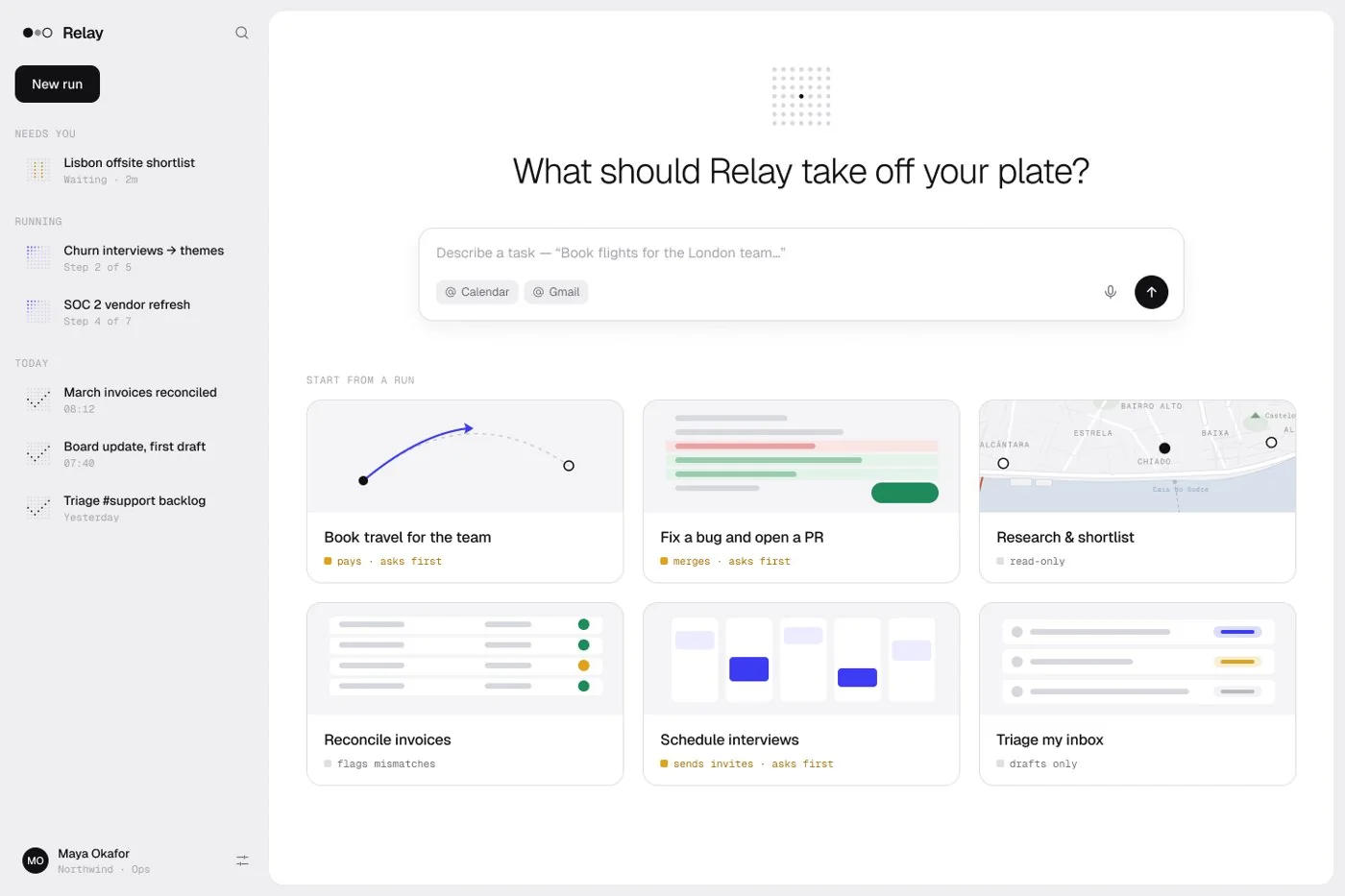
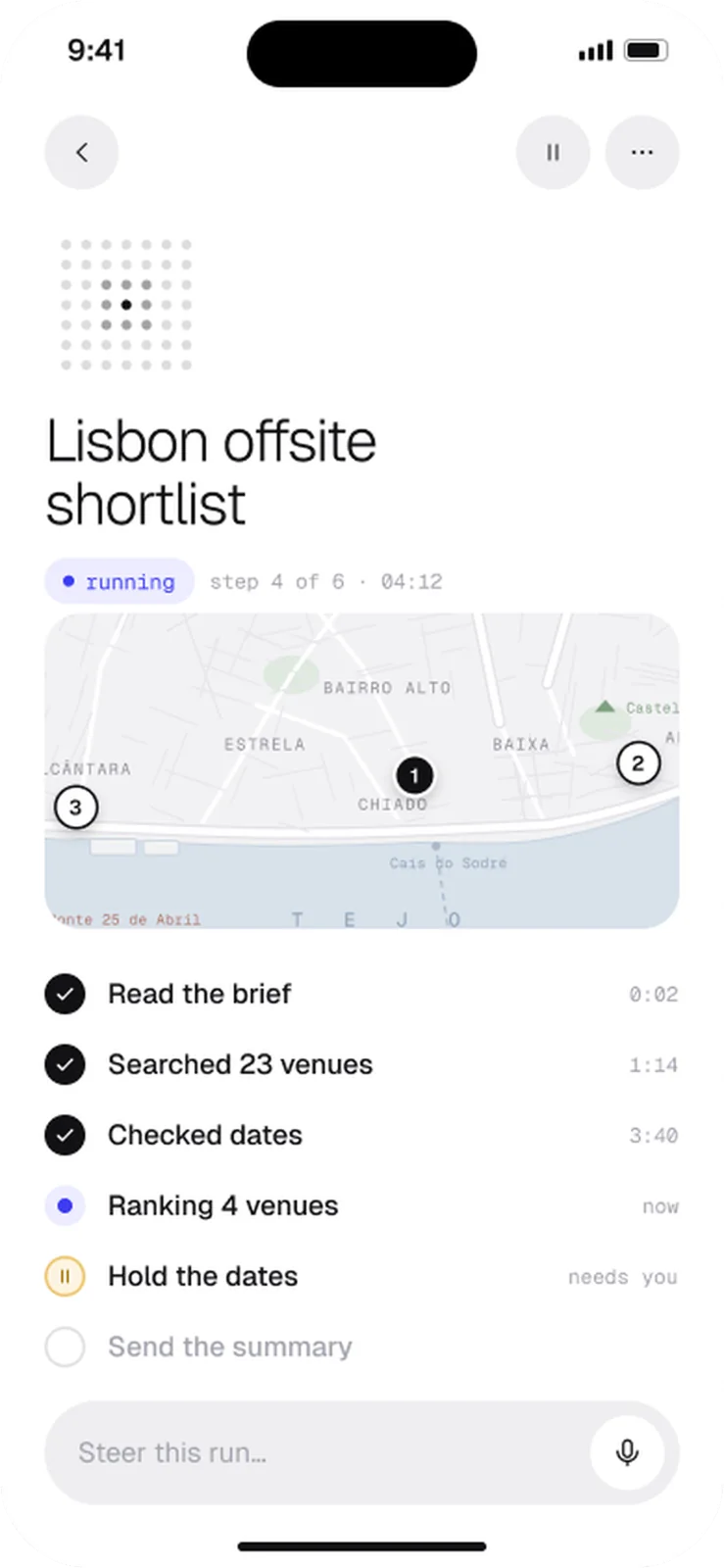
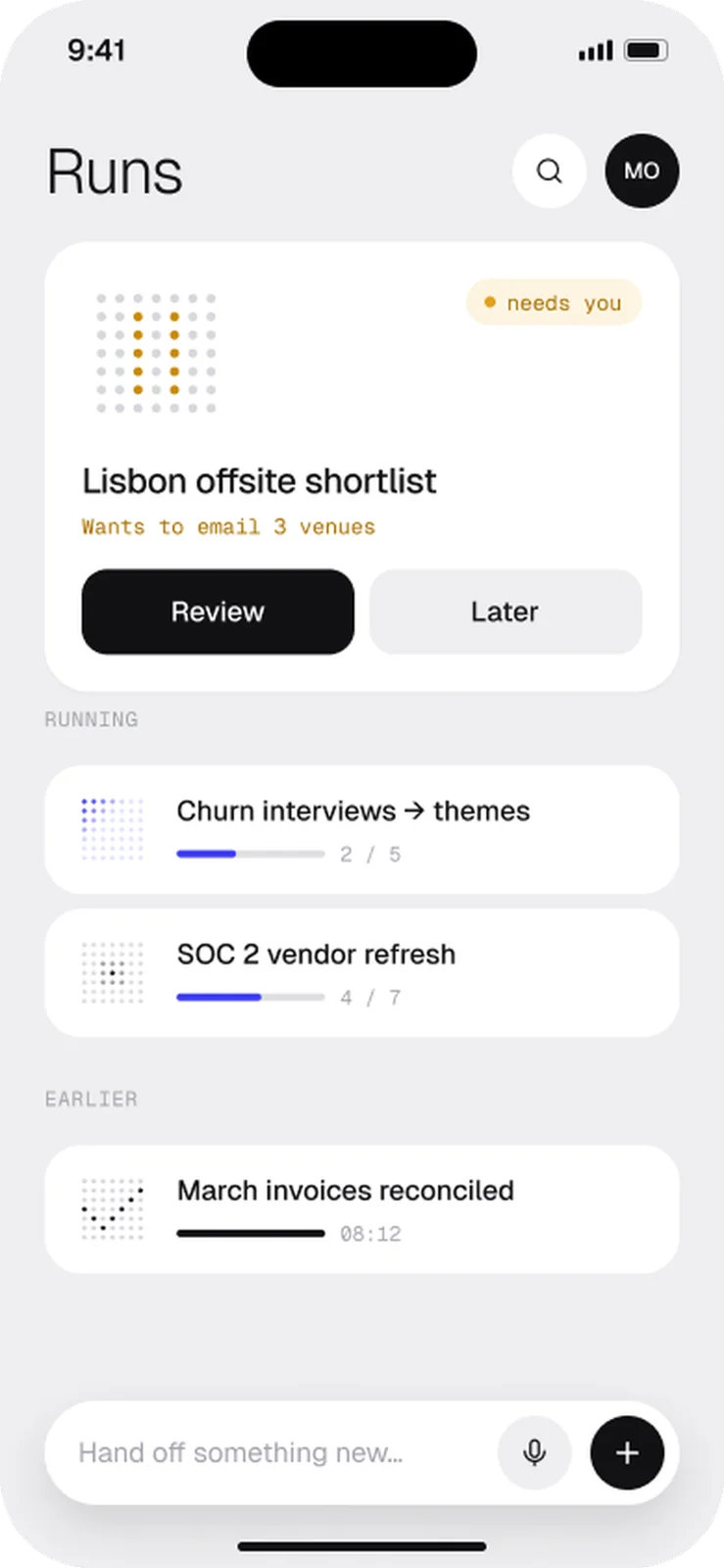
Relay plans, runs and reports multi-step work. I designed how it shows its plan, when it stops to ask, and how you watch it from your lock screen, and I wrote its system prompt.
- Product
- UI/UX
- AI-native
- QA

- Role
- Concept project · product + prompt design
- Year
- 2026
- Disciplines
- Product · UI/UX · AI-native · QA
01 The problem
People don’t trust agents that “just do things”. They can’t see what the agent is about to do, or how to stop it once it starts spending money.
02 Key decisions
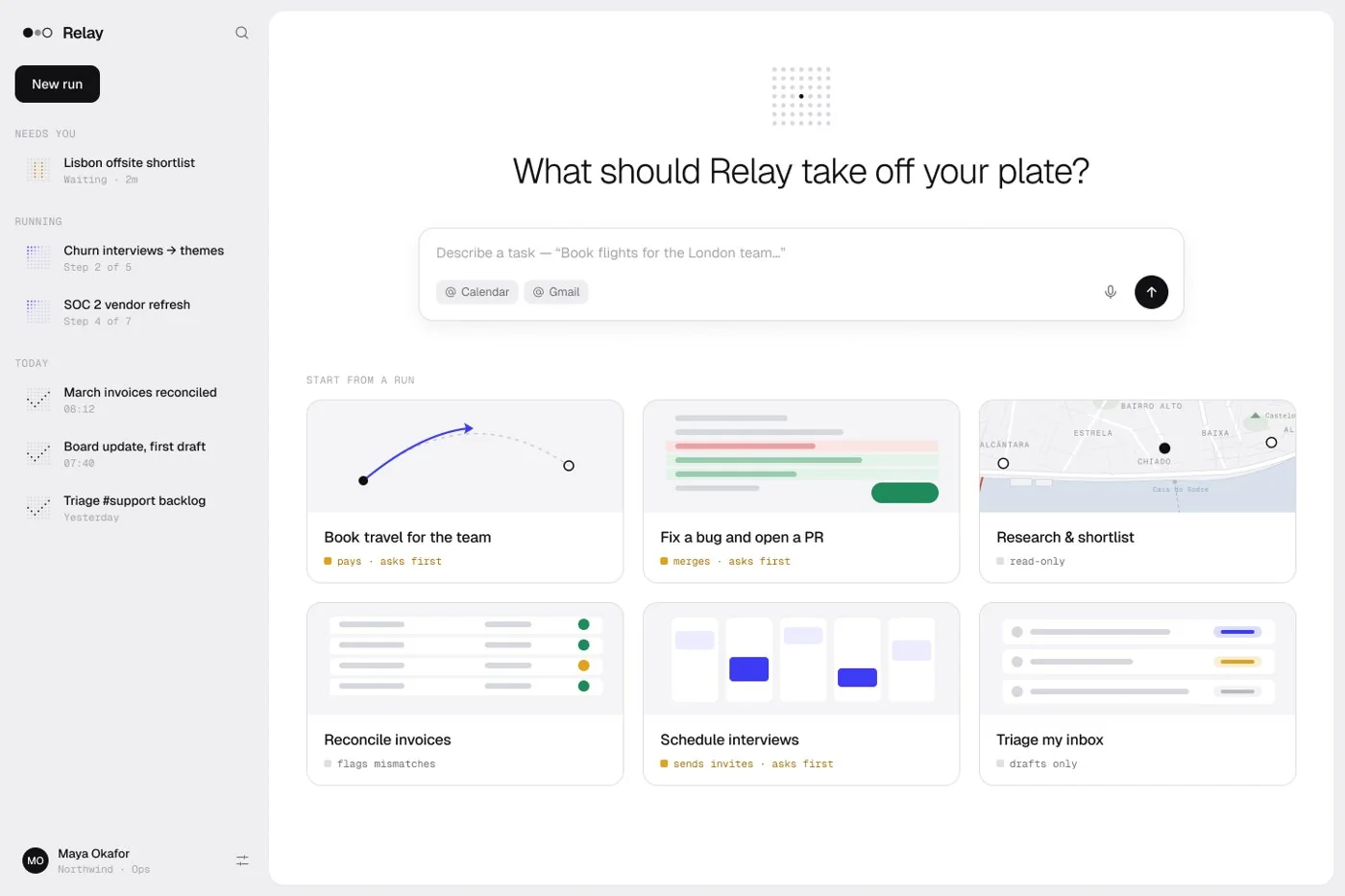
A plan before any action
Every run starts with a five-line plan you can edit. Nothing touches money, messages or files until you tap Run.
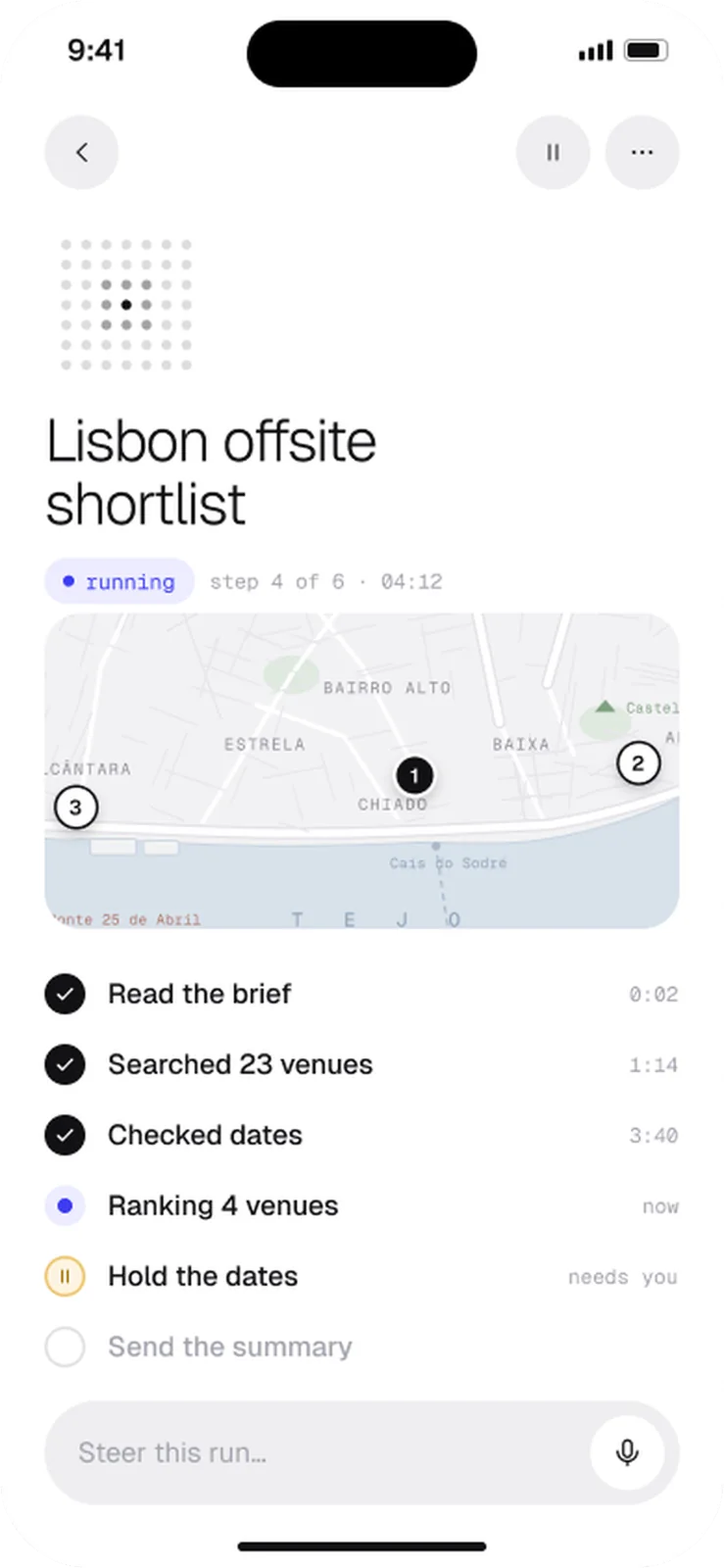
Hold to confirm at four risky moments
Pay, send, delete, invite: each is a hold-to-confirm gate with the exact consequence written out.
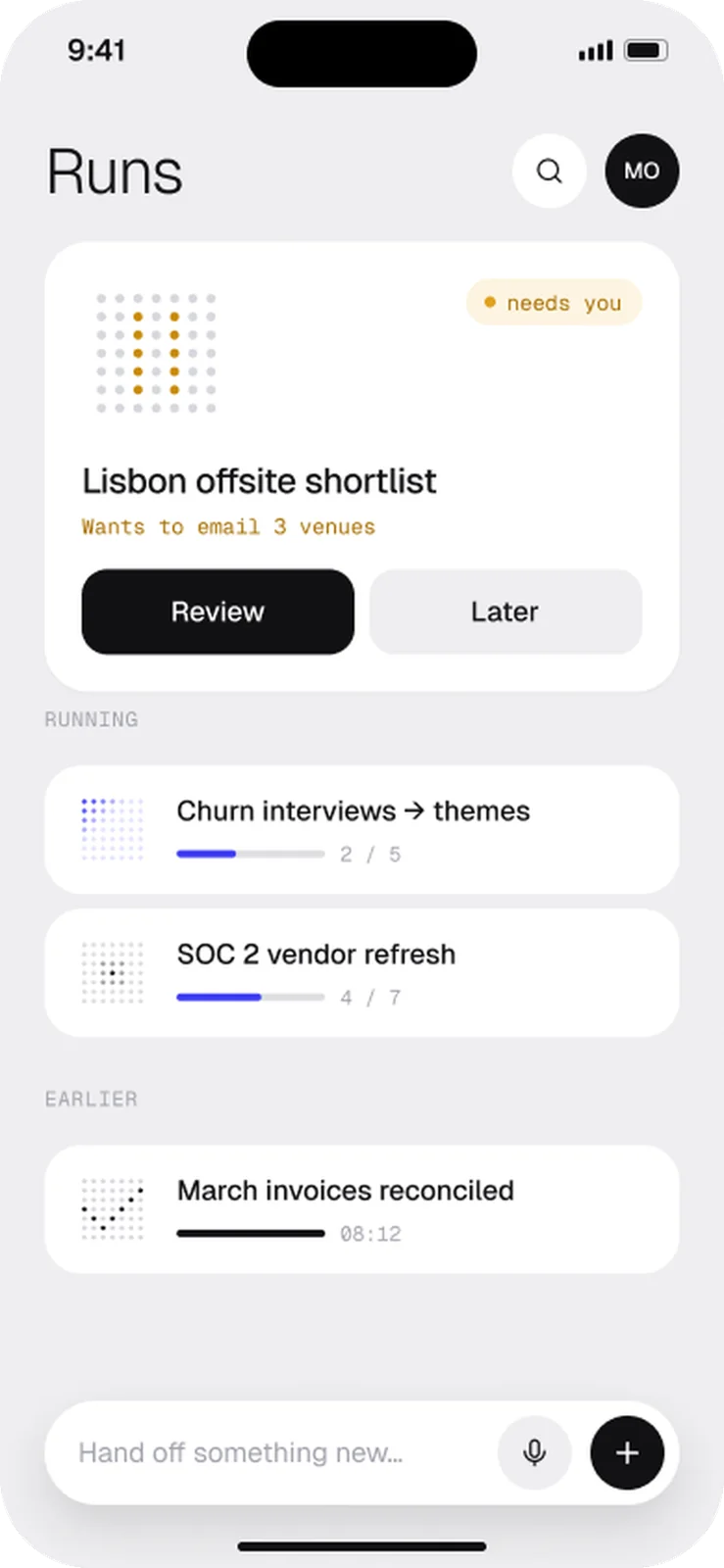
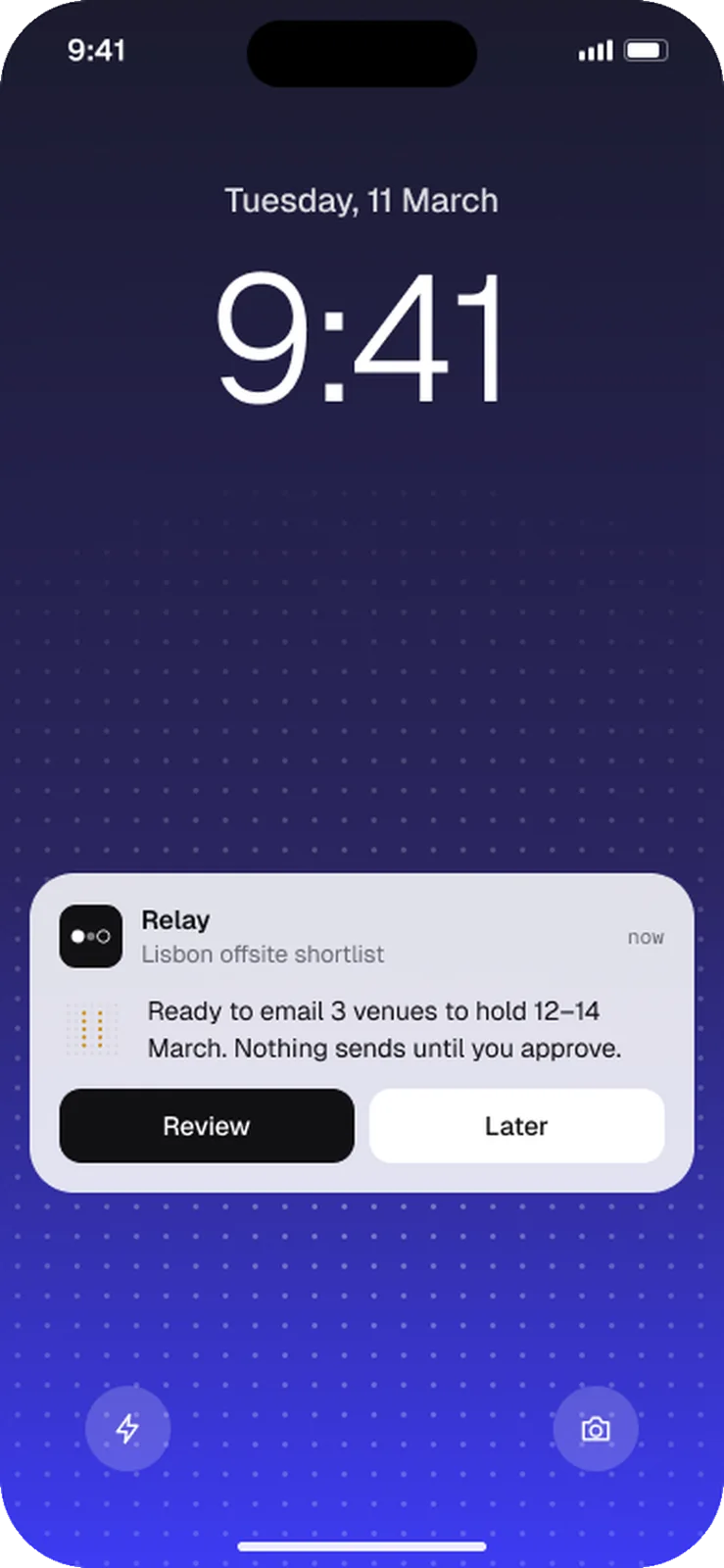
Watch it from your lock screen
A Live Activity shows the current step, so you can leave the app without losing trust.
03 Designing the model’s behaviour
You are Relay. You plan, then act. Never the reverse.Rules:- Before any step that spends, sends, deletes or invites, stop and ask.- If two options are within 10% on price, ask; don’t pick.- Say “I couldn’t” plainly. Never invent a confirmation.- Keep plans to five lines a person can scan in 12 seconds.
04 Built in code
1export function HoldToConfirm({ action, onConfirm }: Props) {2 const [p, setP] = useState(0)3 const hold = usePressHold({ ms: 1200, onProgress: setP, onDone: onConfirm })4 return (5 <GateButton {...hold} aria-describedby="consequence">6 <Ring value={p} /> Hold to {action.verb} {action.object}7 </GateButton>8 )9}
05 Then I tried to break it
- Never retry a payment after a timeout
- A scroll gesture can’t trigger “hold to send”
- Long plans never truncate silently
- VoiceOver reads the step counter
✦ What I’d measure
Concept project. These are the success measures I designed for, not reported results.
 →
→